
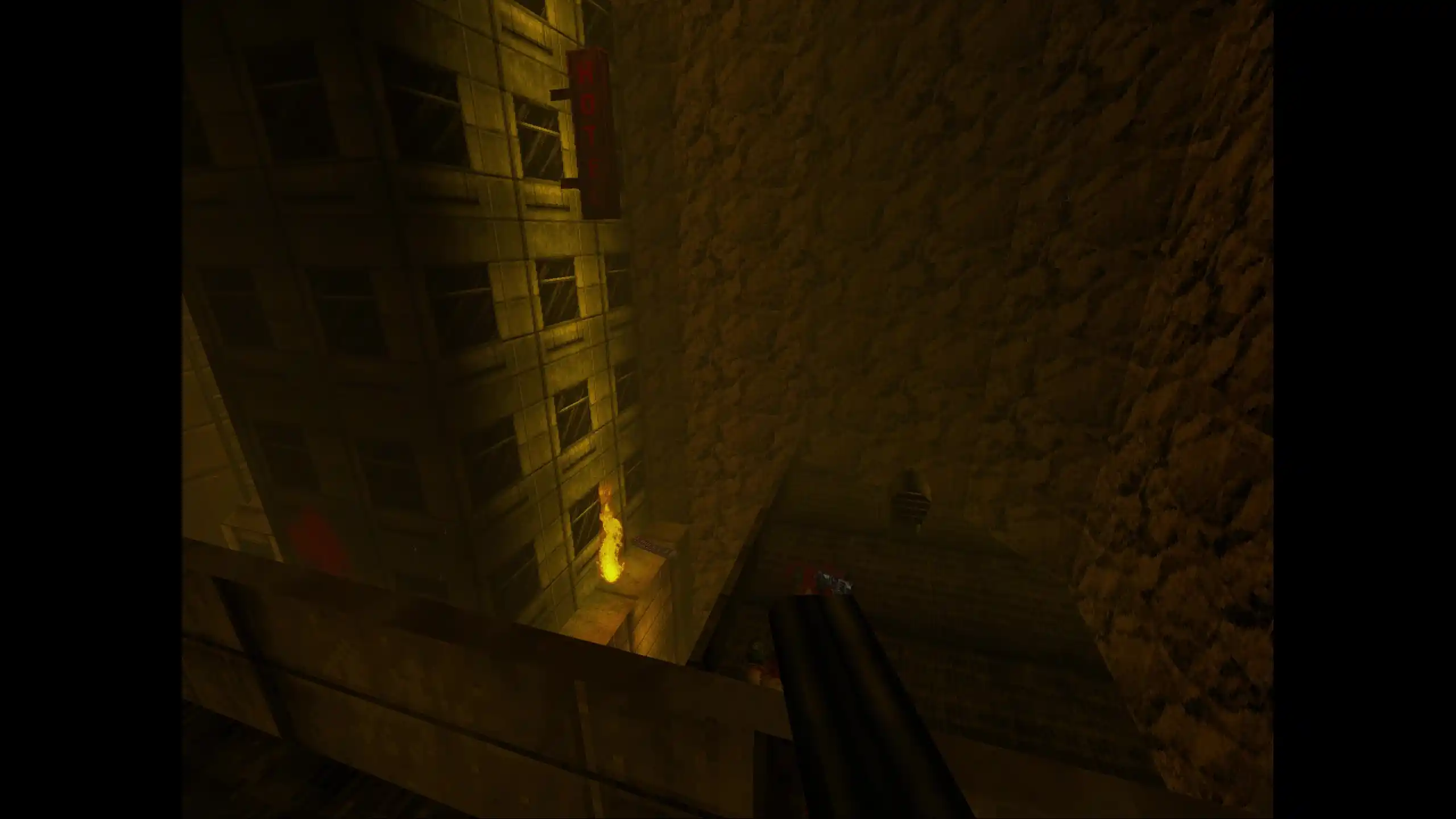
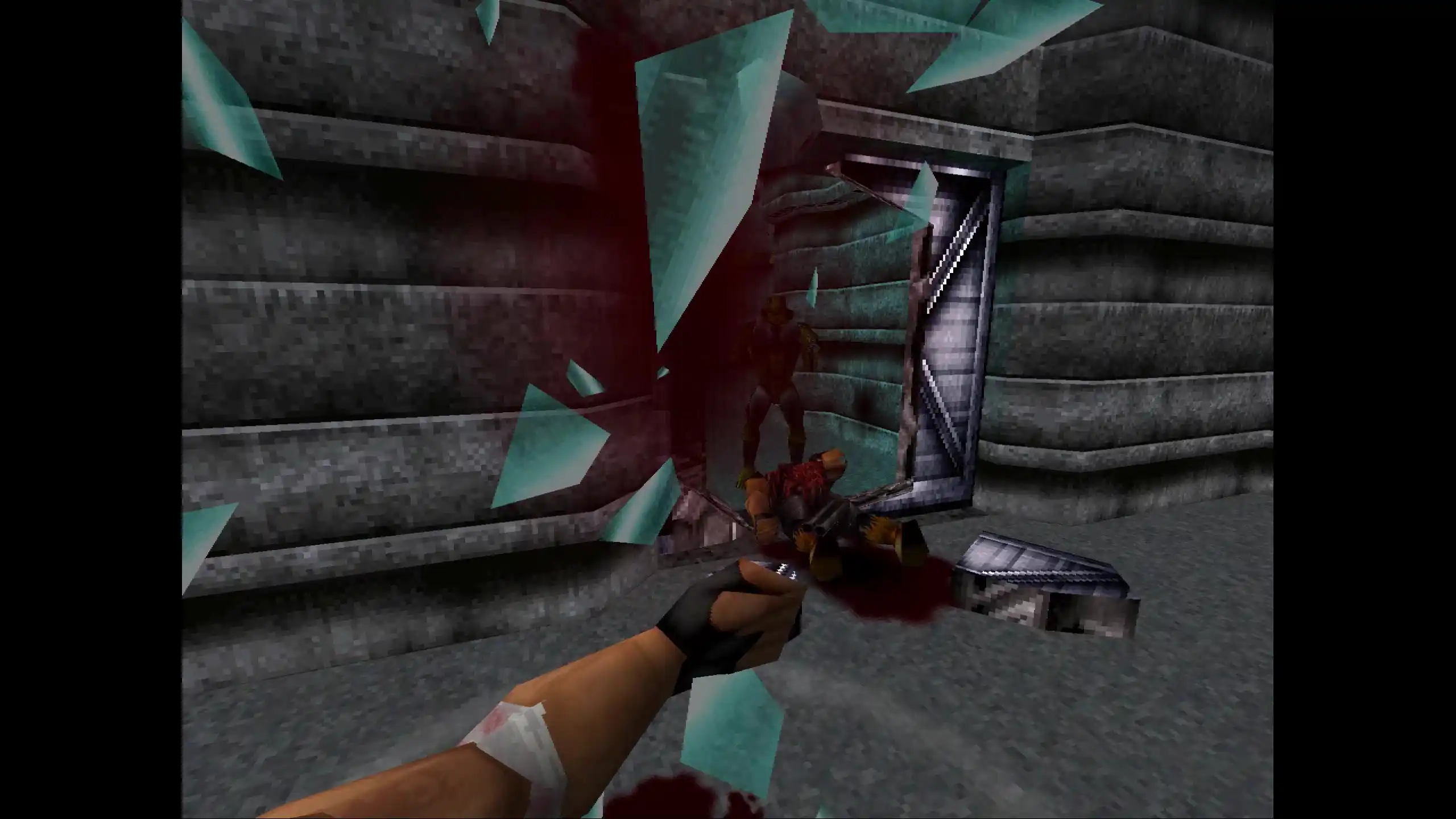
It combines mouse and keyboard movement, first-person perspective and a variety of quality of life improvements to make the game feel like a jank 90s FPS instead of the third-person shooter you grew up with.
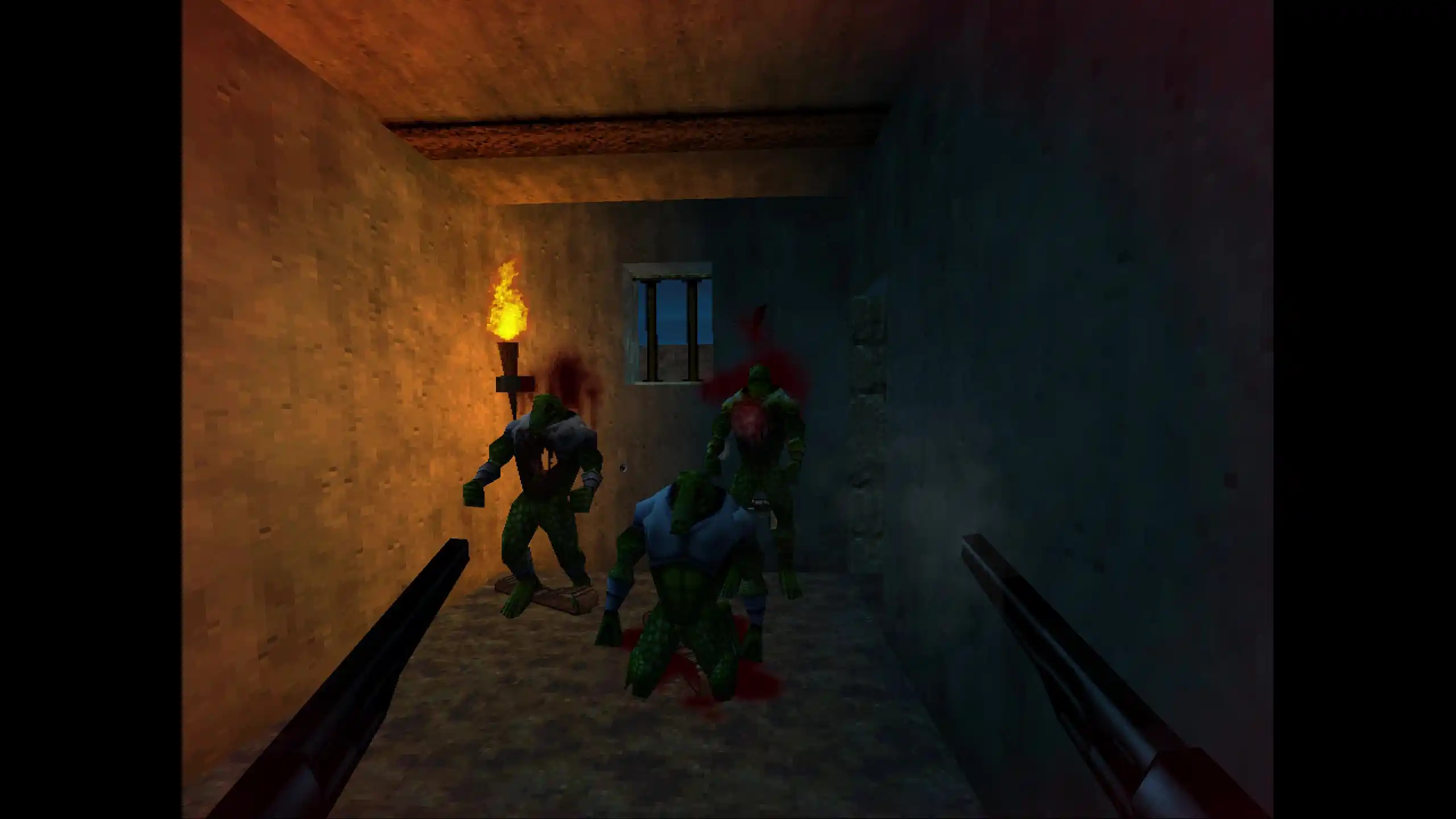
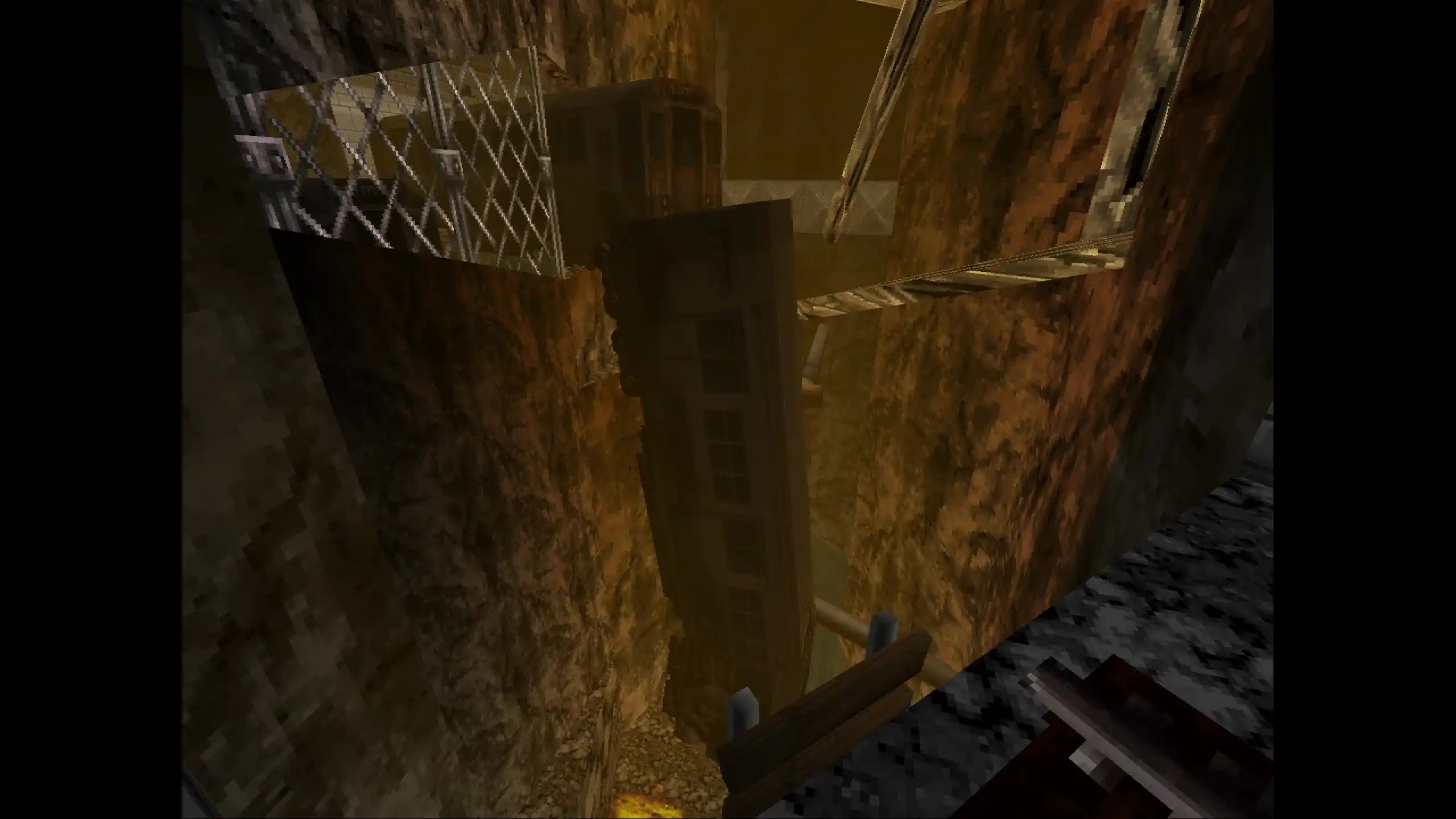
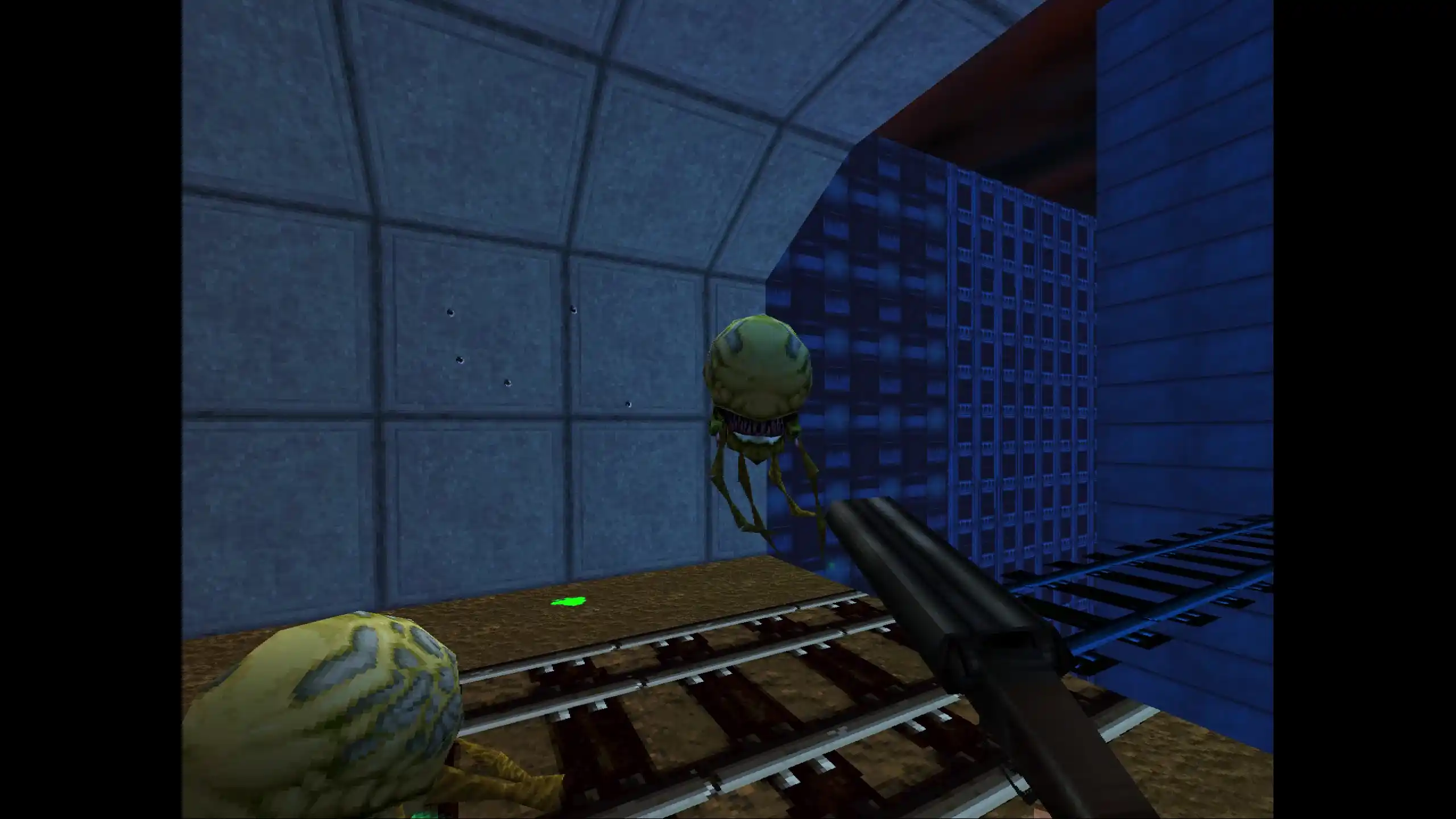
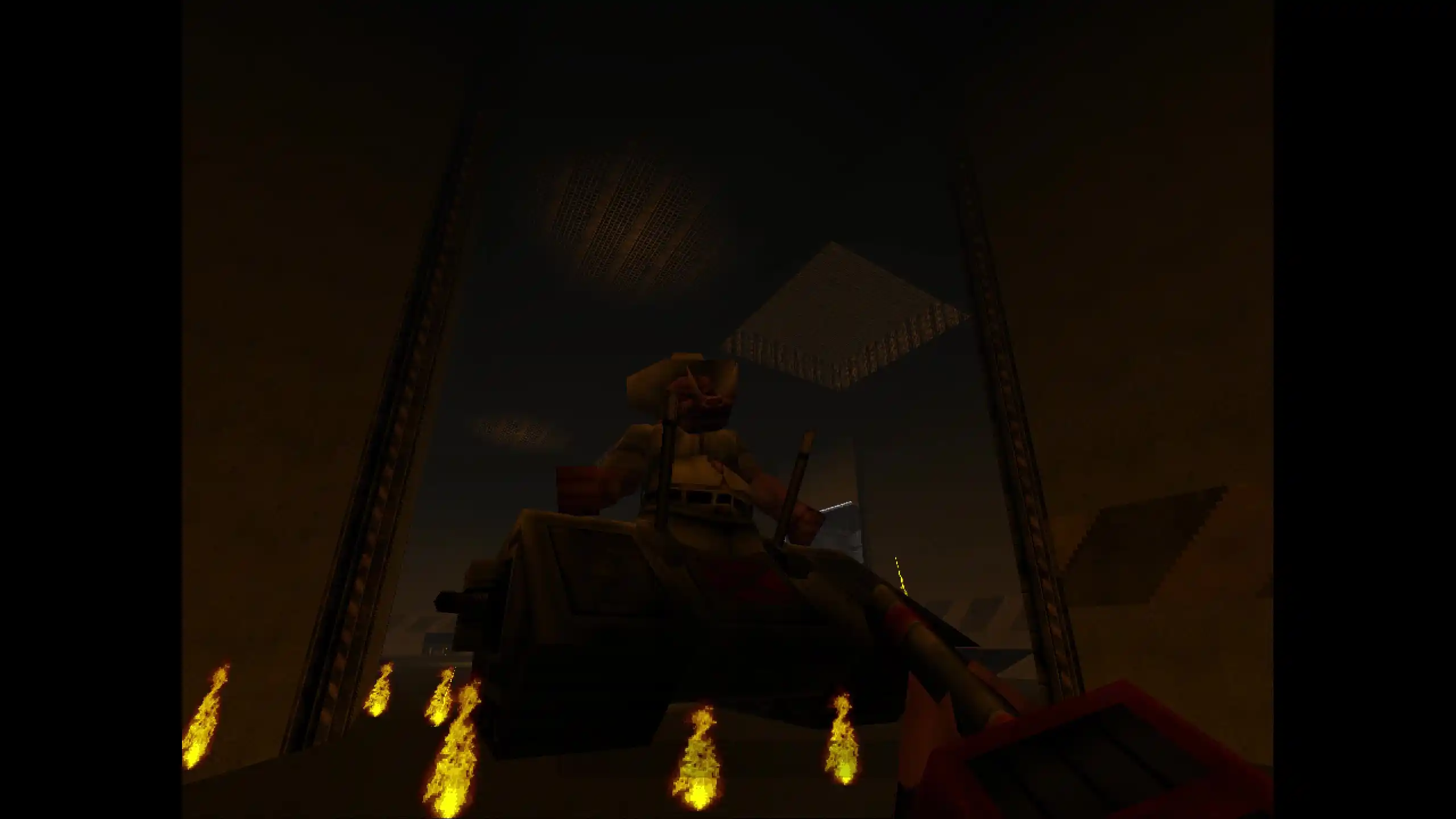
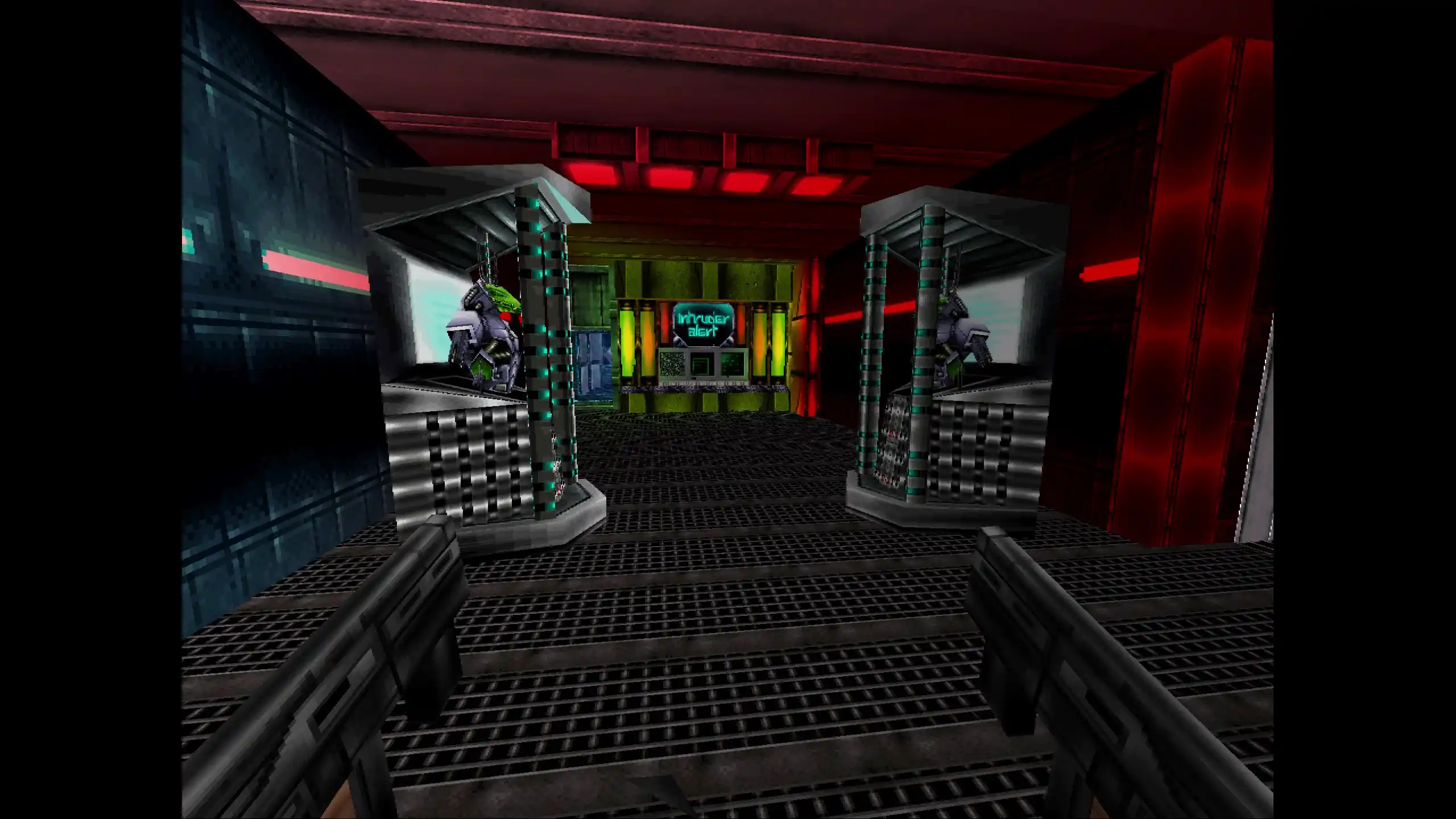
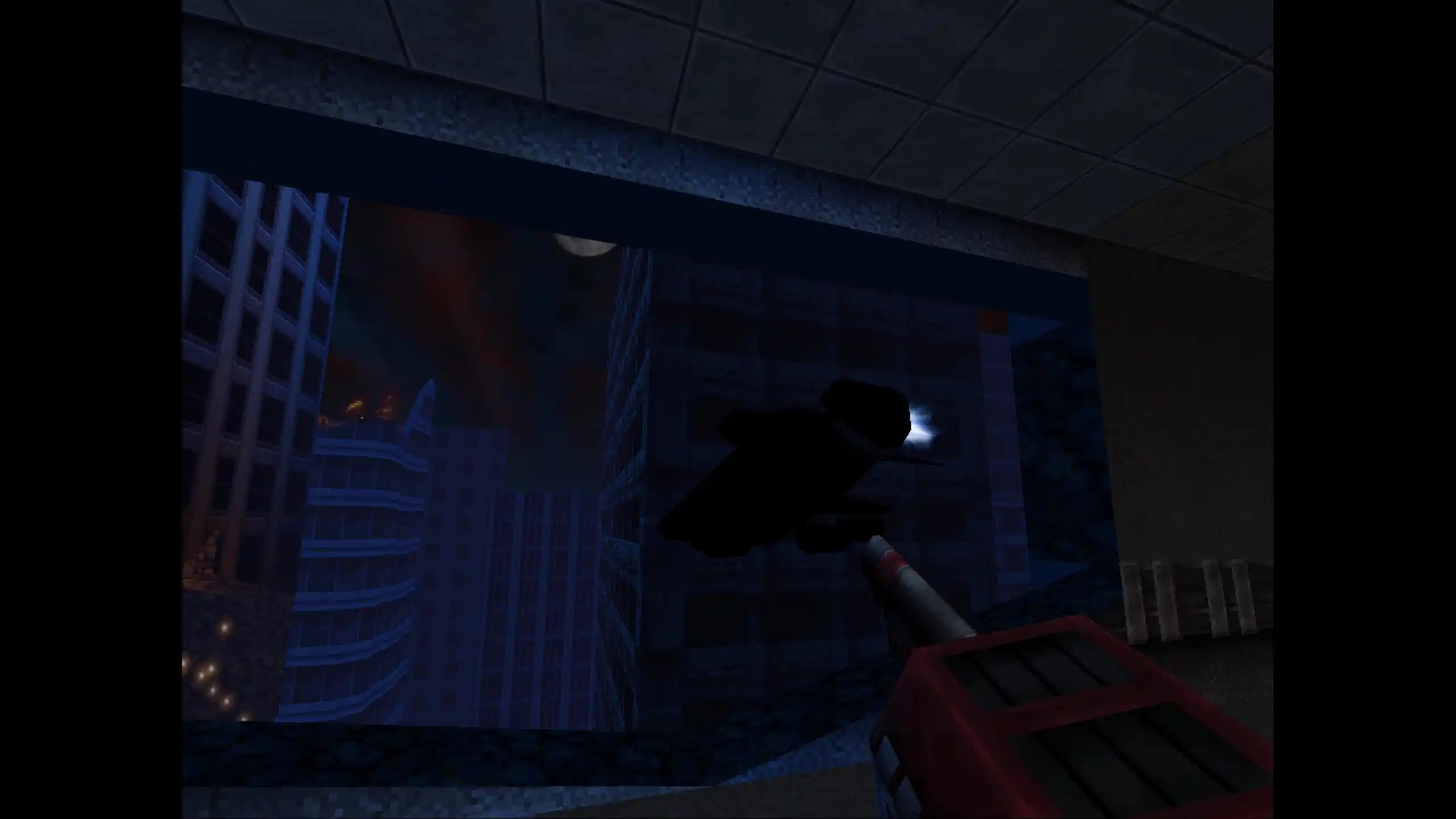
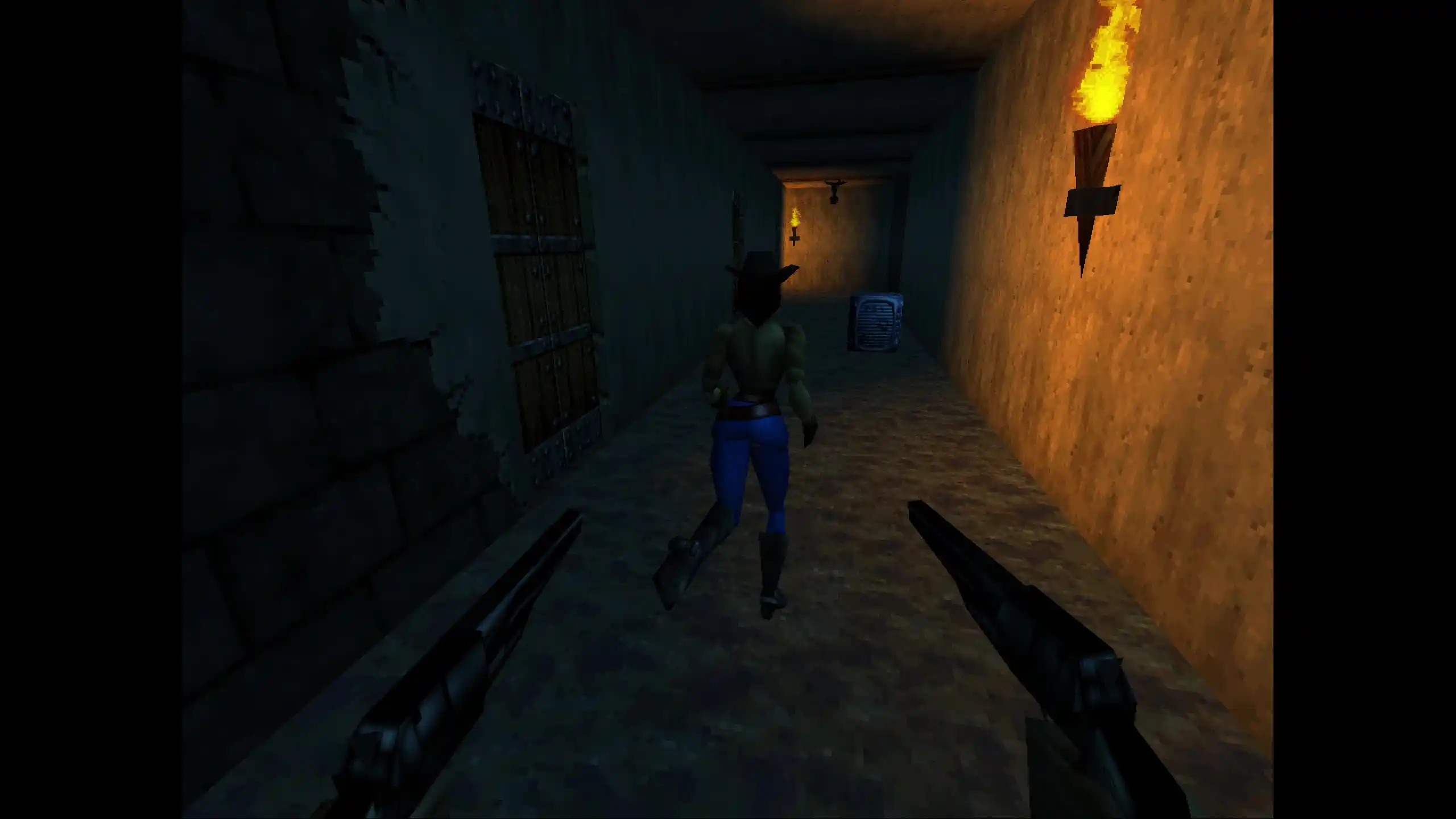
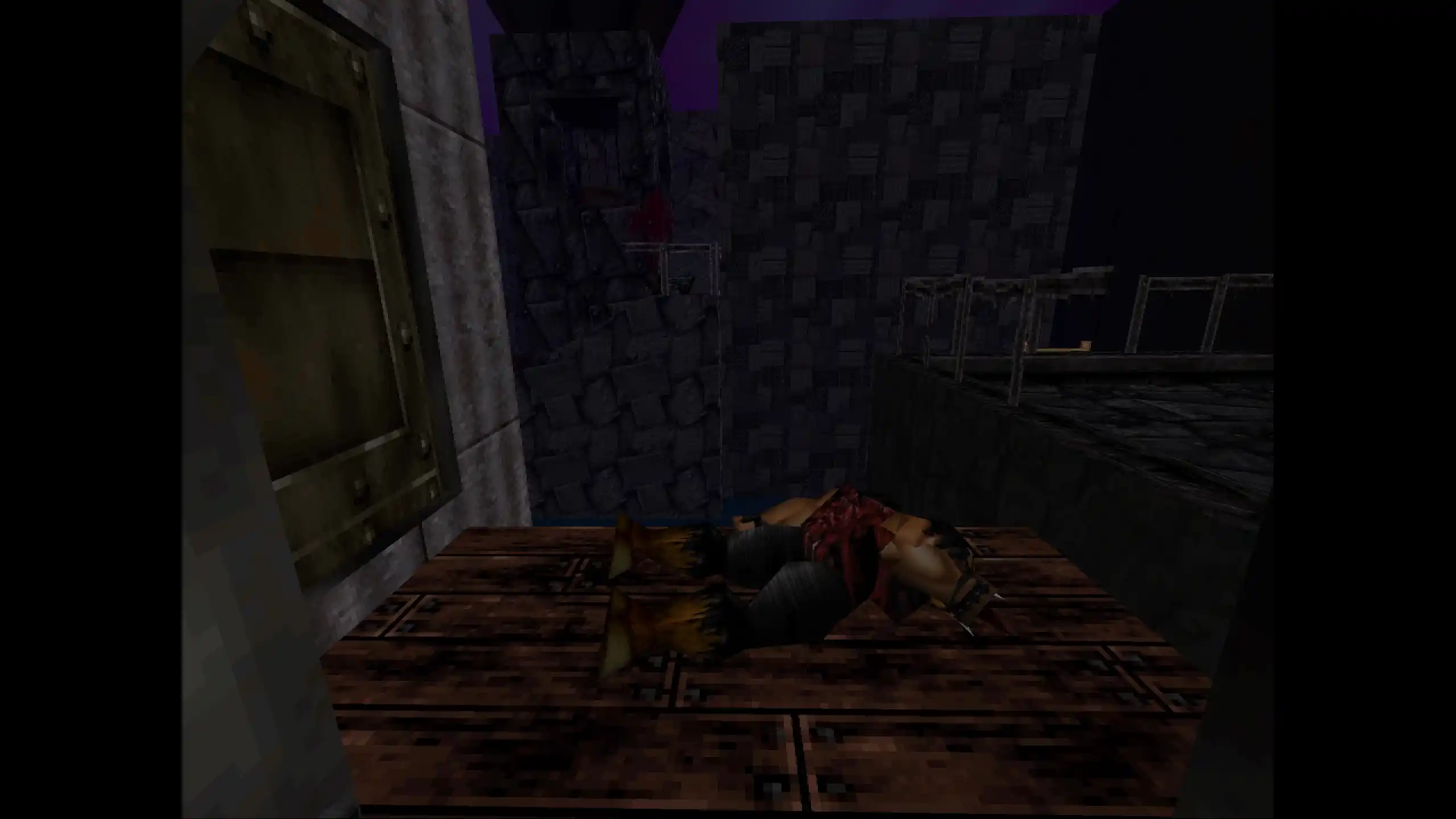
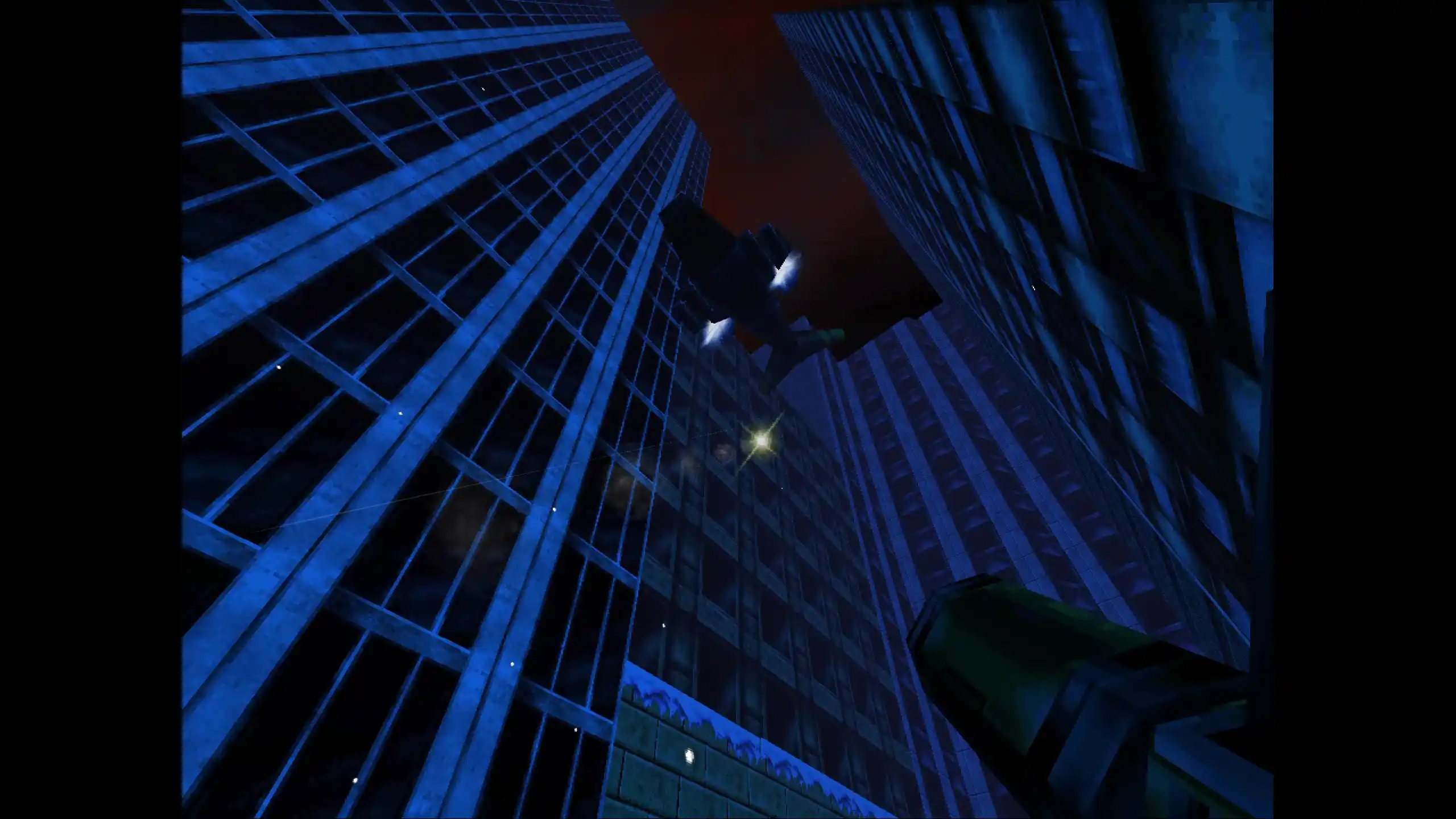
Fastest way to get started with Overclocked. This package bundles the mods with the recompiled version of Zero Hour.
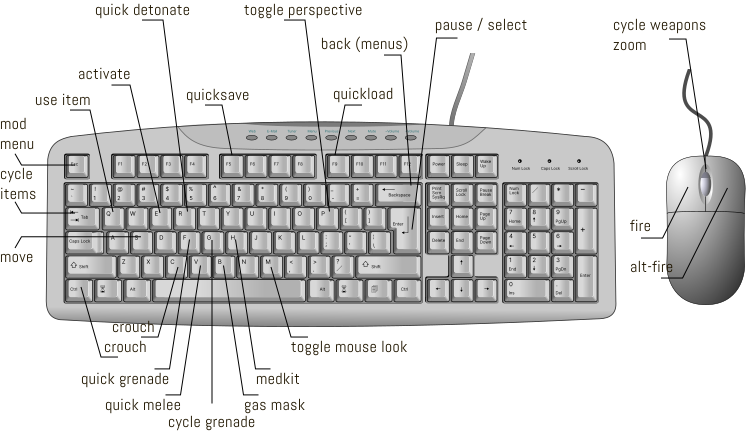
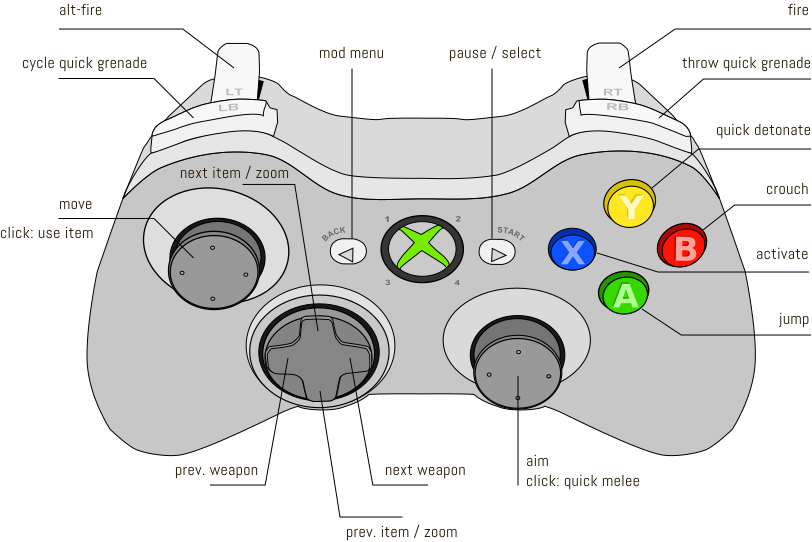
You are ready to rock! While everything is already configured for a good experience out of the box, you can run the Wizard from the game folder to change mod presets and rebind keyboard controls.
Overclocked uses its own progression system. To carry a save from a previous version, copy overclocked-save.json from ./overclocked/saves. Note that saves might not always be compatible between versions.
Start by switching your Steam Deck to Desktop Mode and navigating to this page with the installed browser.
You can now run Overclocked from Game Mode.
Overclocked is made up of several modules, each changing a different aspect of the game. You can turn mods on and off as you please, as well as configure individual features in each mod's settings.
The Wizard tool provides a visual way to configure all the most impactful features that ship with the modpack. It's the easiest way to customize your experience. Look for it in the root folder.
Overclocked relies on an external library to inject new keybinds. Keys and buttons should be configured using the Wizard tool that ships with Overclocked, not from the in-game menu. Directly changing keybinds might cause some features to not work correctly.
Some antivirus software might flag Overclocked because of the unsigned libraries used for new keybinds and writing save files. This is an unfortunate false positive.
By default, Overclocked uses its own progression system on both the Overclocked and Overclocked Lite presets. If progress is not being saved between levels, check the Level Select screen. It shows you a warning if certain mod features are active that would prevent saving. Also make sure the folder in which Overclocked is installed is not write-protected.
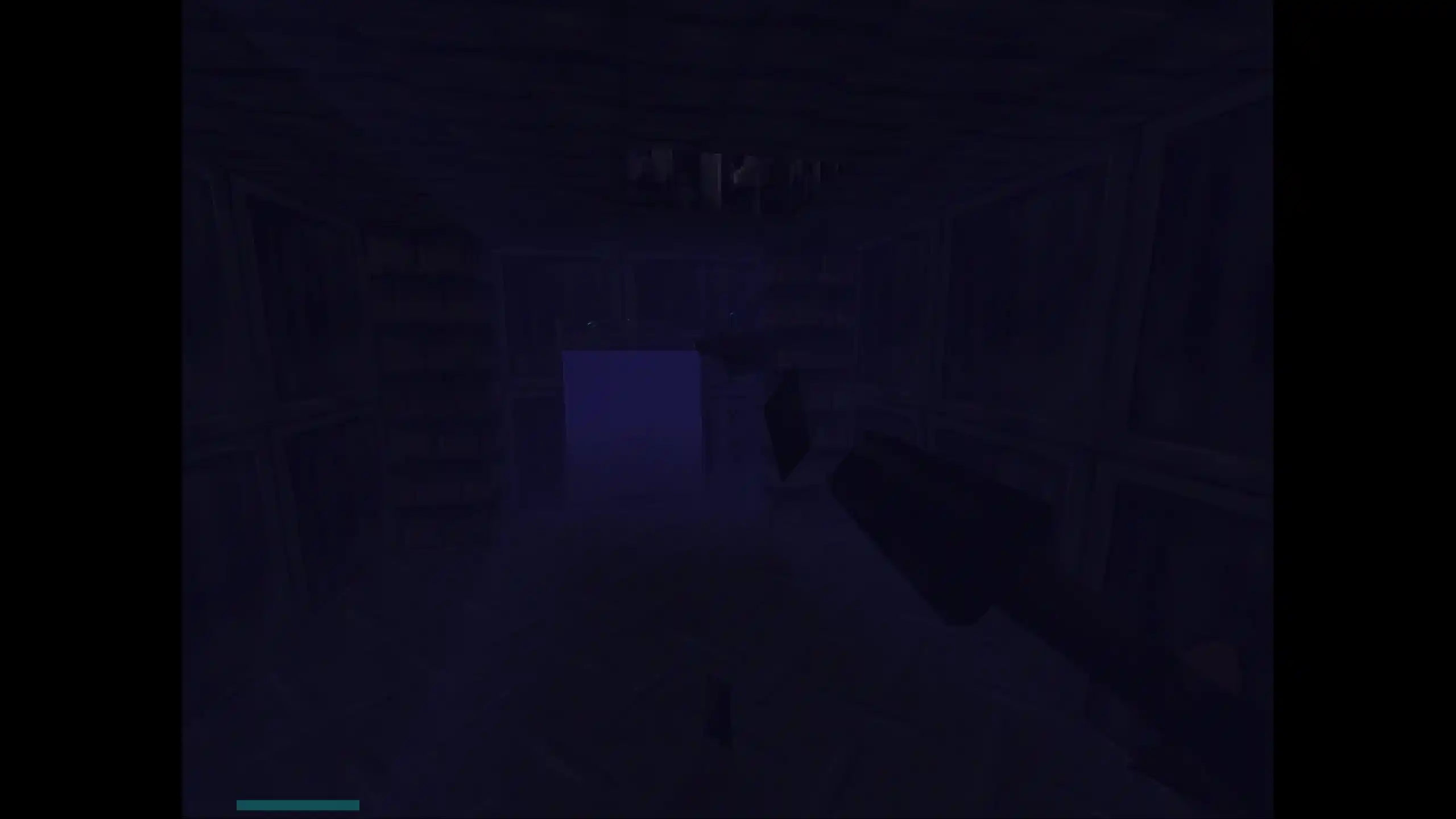
You can adjust the Gamma setting under OC Graphics in the mod menu to make it brighter.
Zero Hour doesn't have a third person crouching animation. That is why manual crouching is only available in first-person mode, whereas third-person mode works just like vanilla always did (activate vents to go into first-person).
The wall-sprite alignment fix moves billboard sprites closer to walls so they look less obviously offset. That also increases the chance of what is known as depth fighting. In case that a switch completely disappears, you can turn off Wall sprite alignment under OC Graphics in the mod menu.
The game has various limits for props and sprites, after which it quickly gets unstable. The mod keeps corpses, gibs, and blood around much longer than vanilla, but runs a cleanup pass once those counts get too high to prevent issues.
By default Overclocked uses a crisp pixelated look. If you prefer the smooth filtered look that N64 games were designed around, you can adjust the Texture filtering setting under OC Graphics in the mod menu.
While Overclocked patches the game to run at widescreen resolutions, at extremely large FOVs or wide viewports the game might still drop sprites or geometry. This is a limitation of the game engine that I haven't been able to fully fix yet. If you encounter this, you can try reducing the FOV or viewport width in the OC Camera settings.
If you choose Start game too quickly after booting from the Recomp menu, the game will crash. Similarly if you rapidly press Enter in the in-game menus, sometimes level loading might crash. Restarting the game and waiting a few seconds before making a selection should fix it.
Overclocked is a hobby project originally built for my own playthrough, now shared as-is for anyone who wants to try it. While feedback and bug reports are welcome, please don't expect hands-on troubleshooting for your specific setup.
You can try pinging kyyrma on the #dnzh-overclocked channel in the Duke Nukem Restoration Community Discord. If you decide to reach out, please first review and respect the server rules.
DECOMPILATION
Duke Nukem Zero Hour by Gillou68310
RECOMPILATION FRAMEWORK
N64: Recompiled by Mr-Wiseguy
DNZH RECOMPILATION
DNZH Recomp by Sonic Dreamcaster (sonicdcer)
OVERCLOCKED
Overclocked by kyyrma
DISCLAIMER
Overclocked is not affiliated with or supported by the N64: Recompiled project or the DNZH Recomp. Don't pester their developers with issues that Overclocked might have caused. Everything is provided as-is. Use at your own risk. For technical support see Contact.
